Resume Formats for 2026: Best Options + Free Examples
Compare the top resume formats for 2026, see which one fits your career stage.
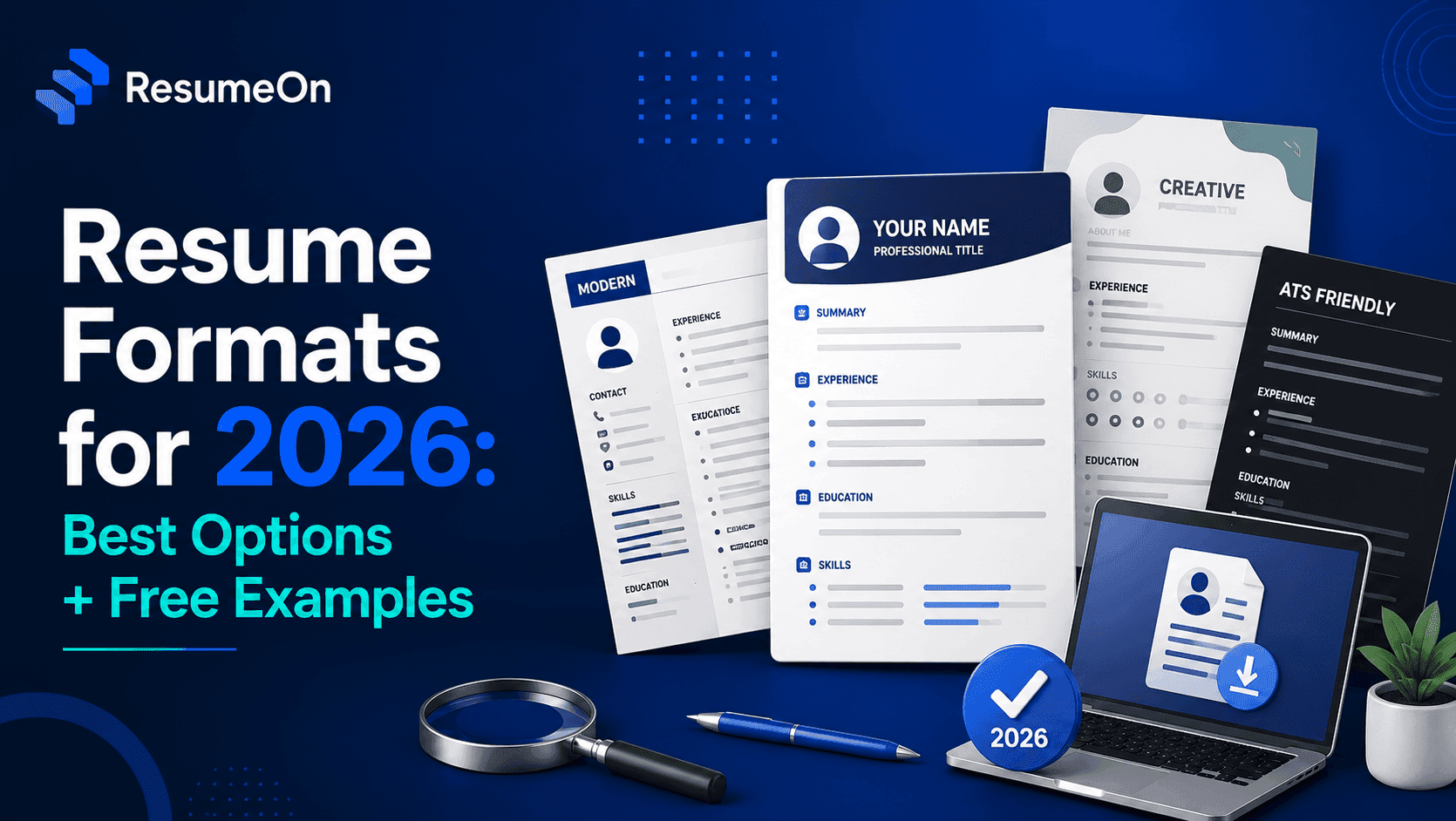
Resume Formats for 2026: Which One Should You Use?
If your resume keeps getting ignored, the problem might not be your experience, it might be your structure. Picking the wrong one of the available resume formats can bury strong experience under confusing sections, and Applicant Tracking Systems don't always parse messy layouts the way you'd expect. Build Your Resume with a format that matches your career stage, and the rest of your content has a much better chance of getting seen by both software and a human recruiter. This guide breaks down every major format, who each one suits, and what a strong example actually looks like, whether you're a fresher, an experienced professional, or switching industries entirely.
What Are Resume Formats?
A resume format is the structure and order used to organize a candidate's experience, education, skills, and achievements. It determines what a recruiter or an ATS sees first, and how easily they can find the information they're scanning for.
There are three core resume formats: reverse-chronological, functional, and combination (also called hybrid). Each one arranges the same basic content, summary, skills, experience, education, in a different order, based on what needs to be emphasized.
The format you choose doesn't change your qualifications. It changes how quickly someone can find evidence of them. That's the entire point of getting it right.
Which Resume Format Is Best in 2026?
For most job seekers, the reverse-chronological format is the safest default because it presents work history clearly and is the format recruiters and ATS platforms are most familiar with. It's the format hiring teams expect, which means less friction during both automated parsing and human review.
That said, "best" depends on your situation. A fresher with limited work history may lean more heavily on projects and education. A career changer may need a combination structure that puts transferable skills before a work history that doesn't obviously match the new role.
The safest approach in 2026 is this: start with reverse-chronological unless you have a specific reason not to. If your work history has gaps, pivots, or very little formal experience, a combination format usually solves the problem better than trying to hide the issue.
What Are the Main Types of Resume Formats?
There are three widely used resume formats, and almost every resume you'll ever build falls into one of them or a close variation.
| Resume Format | Best For | Main Advantage | Main Risk | ATS Suitability |
|---|---|---|---|---|
| Reverse-Chronological | Steady career history | Familiar, easy to scan | Highlights gaps clearly | High |
| Functional | Career changers, gaps | Emphasizes skills over dates | Can look evasive to recruiters | Moderate |
| Combination / Hybrid | Experienced changers, mixed backgrounds | Balances skills and history | Can run long if not edited | High |
Reverse-Chronological Resume Format
The reverse-chronological resume format lists your most recent job first and works backward through your career. It's the standard structure taught by most career advisors, and it's the one recruiters scan fastest because they already know where to look for what they need.
This format works best when your career has moved in a fairly straight line, same field, steady progression, no major unexplained gaps. It's also the format most ATS platforms, including Workday, Greenhouse, and Lever, parse most reliably, since the section order is predictable.
The main risk is that it puts employment gaps and job-hopping front and center. If your history is uneven, this format won't hide that, it will highlight it.
Functional Resume Format
The functional resume format organizes content around skill categories instead of job history, with a condensed employment section near the bottom. It's built for situations where your work history doesn't tell your strongest story on its own.
This can help candidates re-entering the workforce after a career gap, or those changing fields where past job titles don't map cleanly to the new role. Grouping accomplishments under skill headings lets you lead with relevance instead of chronology.
The tradeoff is real: many recruiters read a functional resume format as an attempt to hide something, and some ATS systems struggle to parse skill-based sections into structured fields. Use it selectively, not as a default.
Combination Resume Format
The combination resume format, also called a hybrid resume format, opens with a skills summary and then follows with a full reverse-chronological work history. It gives you the best of both structures: relevant skills up front, verified experience right after.
This format suits professionals with solid work history who still need to reposition themselves, for example, someone moving from operations into product management, where the skills transfer but the job titles don't obviously show it.
It takes more editing discipline than the other two formats, since you're essentially building two sections that need to work together without repeating themselves. Done well, it's one of the strongest resume formats for anyone whose career doesn't fit a simple timeline.
Which Resume Format Should Freshers Use?
Freshers should generally use a reverse-chronological or combination resume format, built around education, projects, and internships rather than a long work history they don't have yet. The goal is to prove capability through what you've built and studied, not to pad a thin experience section.
Prioritize, in this order: education (with relevant coursework if it strengthens your case), academic or personal projects, internships, technical and soft skills, and any certifications. A tightly written professional summary works better here than a generic career objective, it should state what you can do, not what you're hoping to gain.
A simple structure for a resume format for freshers looks like this:
- Name and contact details
- Professional Summary (2 to 3 lines)
- Skills
- Projects
- Internships (if any)
- Education
- Certifications
Keep it to one page. A single, well-organized page consistently outperforms a padded two-page resume at this career stage.
Which Resume Format Should Experienced Professionals Use?
Experienced professionals should use the reverse-chronological format, with recent roles given the most detail and older roles condensed. Recruiters spend more time on your last two positions than anything else, so that's where your strongest, most measurable achievements belong.
Lead with a professional summary that states your role, years of experience, and area of specialization in one or two lines. Follow with work experience listed by measurable outcomes rather than duties, what changed because you were there, not just what you were responsible for.
Skills, certifications, and education still matter, but they belong after experience, not before it. Career progression should read as a clear upward pattern; if it doesn't, a brief combination-style skills section near the top can help frame the narrative before the timeline begins.
Which Resume Format Is Best for Career Changers and Employment Gaps?
Career changers and candidates with employment gaps are usually better served by a combination resume format, since it lets transferable skills lead while still showing an honest, complete work history underneath. Trying to fully hide a gap almost always backfires once it comes up in an interview.
Focus the skills section on capabilities that genuinely transfer to the new field, project management, data analysis, client communication, whatever applies. Back each one with a real example from your previous roles, even if the job title doesn't match the new direction.
For gaps, a short, factual line is enough: caregiving, further study, freelance work, or a layoff. You don't need to over-explain it in the resume itself, that's what the interview is for. What matters is that the format doesn't make the gap look like something you were hoping nobody would notice.
How to Make a Resume Format ATS-Friendly
An ATS-friendly resume format uses a single-column layout, standard section headings, and simple formatting that parsing software can read without guessing. ATS platforms don't all behave identically, but most struggle with the same handful of design choices.
- Use a single-column layout, not multi-column or graphic-heavy templates
- Use standard headings like "Experience," "Education," and "Skills"
- Write dates in a clear, consistent format (e.g., Jan 2023 to Present)
- Use standard fonts like Calibri, Arial, or Georgia
- Avoid text embedded inside images, headers, or footers
- Avoid excessive tables, columns, or graphics
- Mirror keywords from the job description where they genuinely apply
Because ATS platforms like Workday, Greenhouse, Lever, Taleo, and SAP SuccessFactors don't all parse resumes the same way, the safest strategy is simplicity: clean structure, standard section names, and no formatting tricks that force the system to guess where your information belongs.
Free Resume Examples: What Should Each Format Look Like?
Each of the three resume formats follows a slightly different section order, and seeing that structure laid out makes it easier to build your own. These are illustrative structures, not real people, use them as a skeleton for your own content.
Fresher (Reverse-Chronological / Combination)
- Name & Contact
- Professional Summary
- Skills
- Projects
- Internships
- Education
- Certifications
Experienced Professional (Reverse-Chronological)
- Name & Contact
- Professional Summary
- Work Experience (most recent first, with measurable results)
- Skills
- Certifications
- Education
Career Changer (Combination)
- Name & Contact
- Professional Summary
- Core Skills (transferable, grouped by theme)
- Work Experience (full chronological history)
- Education & Certifications
Once you've matched a structure to your career stage, you can create a professional resume using a template that's already built around it.
Common Resume Formatting Mistakes to Avoid
The most common resume formatting mistake is choosing a format based on appearance rather than what it needs to communicate about your career stage. A visually striking resume that hides your most relevant experience will underperform a plain one that surfaces it clearly.
- Using a functional format to hide a short or spotty work history, which often reads as evasive
- Cramming a two-page resume onto one page with tiny fonts and no white space
- Inconsistent date formats or missing dates, which confuses both recruiters and ATS parsing
- Using tables, columns, or graphics that break when an ATS extracts the text
- Listing duties instead of outcomes, especially for experienced candidates
- Using the same generic summary across every application instead of tailoring it
Most of these are fixable in minutes once you know what to look for, the format is doing more work than most job seekers realize.
Frequently Asked Questions About Resume Formats
What Is the Best Resume Format in 2026?
For most candidates, the reverse-chronological format remains the best resume format in 2026 because it's familiar to recruiters and parses reliably across ATS platforms. Career changers and candidates with gaps often do better with a combination format instead.
Which Resume Format Is Best for Freshers?
Freshers do best with a reverse-chronological or combination resume format built around education, projects, and internships rather than limited work history. A tight, one-page structure with a clear skills section usually performs better than a padded, generic layout.
Which Resume Format Is Best for Experienced Professionals?
Experienced professionals should use the reverse-chronological format, with recent roles given the most space and detail. Achievements should be measurable and tied to results, not just a list of responsibilities.
Is a Chronological Resume ATS-Friendly?
Yes, the chronological resume format is generally the most ATS-friendly option because its predictable structure is easy for most parsing systems to read. Simple formatting and standard headings improve reliability further.
Should I Use a Functional Resume?
Only in specific situations, such as significant employment gaps or a full career change with little directly relevant experience. Many recruiters view functional resumes with some skepticism, so a combination format is often a safer alternative.
What Is a Combination Resume?
A combination resume opens with a skills summary and follows with a full reverse-chronological work history. It works well for candidates who need to highlight transferable skills without hiding their actual employment record.
What Resume Format Is Best for Career Changers?
Career changers generally benefit most from a combination resume format, since it lets relevant skills lead while still showing a complete, honest work history. This avoids the credibility risk that comes with a purely functional layout.
Key Takeaways
- Reverse-chronological is the safest default among all resume formats for most job seekers in 2026.
- Freshers should lead with education, projects, and internships, not a thin work history.
- Experienced professionals should front-load recent, measurable achievements.
- Career changers and candidates with gaps generally do better with a combination format.
- ATS-friendly formatting means single columns, standard headings, and no graphics-heavy design.
- The right format supports your experience, it doesn't replace the need for strong content.
Conclusion
Choosing between the available resume formats comes down to one question: what does your career history need to communicate clearly? Reverse-chronological works for most steady career paths, functional suits narrow situations, and combination formats give career changers and professionals with gaps a way to lead with relevance without hiding their history. Get the structure right first, then focus your energy on strong, specific content within it. When you're ready, you can build your resume with ResumeOn.tech in a format that fits your career stage.
Ready to put the right structure behind your experience? Build Your Resume with ResumeOn.tech and create a professional resume that's easier for recruiters and ATS systems to read.